12- Map Printing
A
I am an Assistant Professor of Remote Sensing in the Department of Geography at the Soran University. My research interests include remote sensing, GIS, climate and environment. More specifically, I am interested in applying geospatial big data, programming and cloud computing (e.i. Google Earth Engine) to study environmental change, especially land use land cover and climate monitoring. More information about my research and teaching can be found at https://www.linkedin.com/in/azad-rasul-1860abb1/.
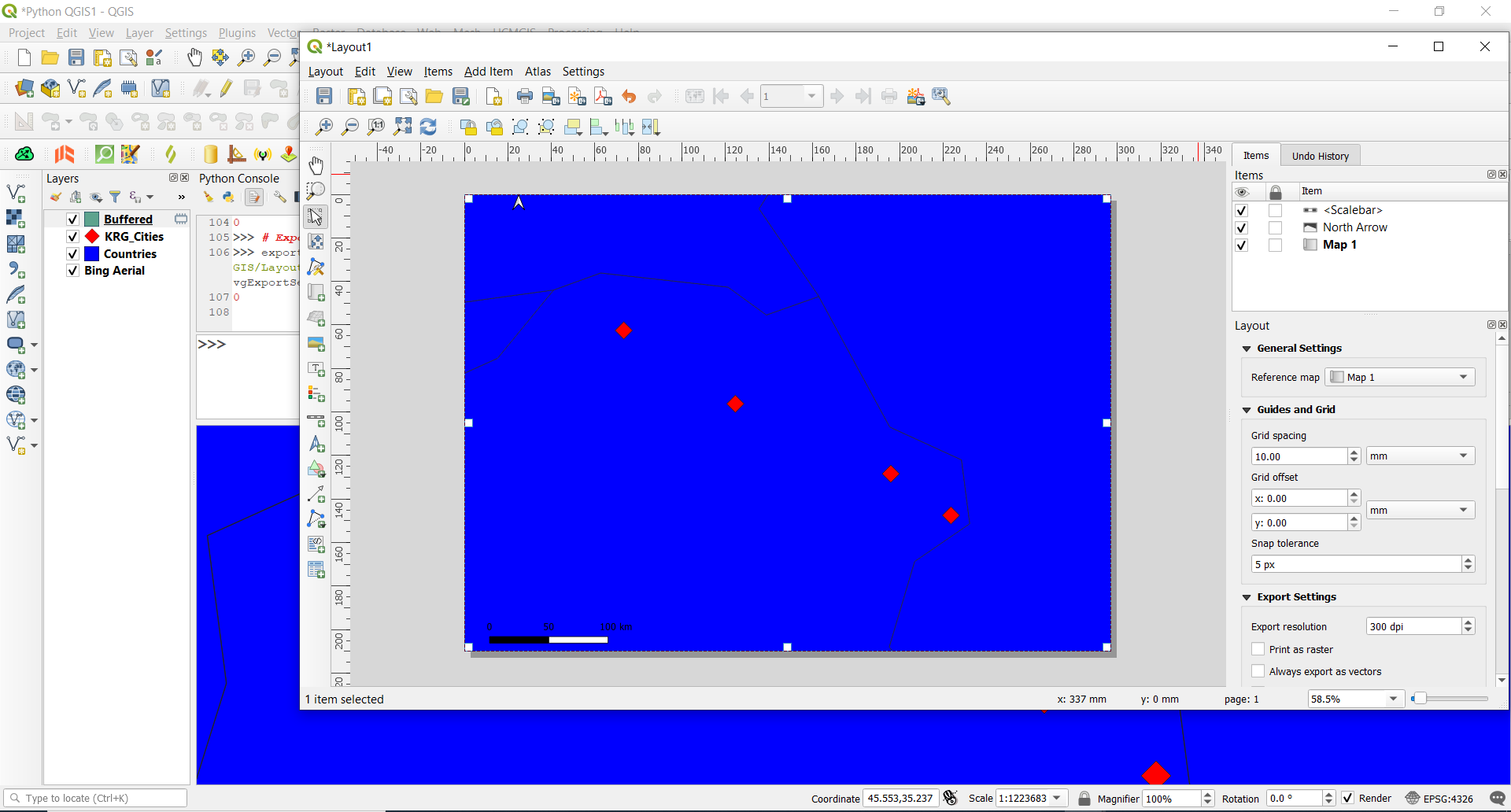
First, get the layout that we opened from the project's layout manager:
manager = QgsProject.instance().layoutManager()
print(manager.printLayouts())

layout = manager.layoutByName("Layout1")
We use QgsLayoutExporter() to export to an image, SVG and PDF:
exporter = QgsLayoutExporter(layout)
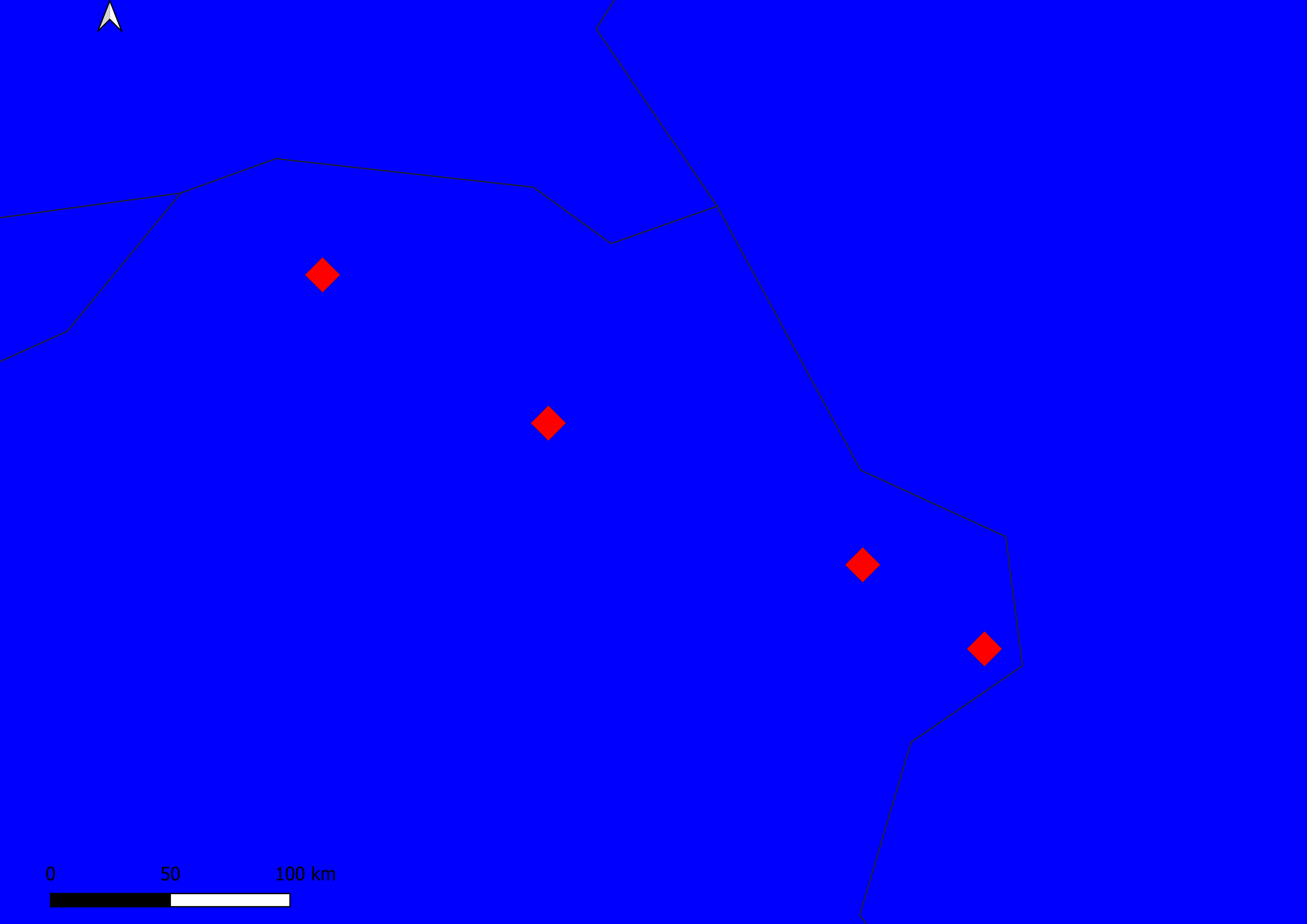
Export to a PNG image:
exporter.exportToImage("D:/Python_QGIS/Layout1.png", QgsLayoutExporter.ImageExportSettings())
 Export to PDF:
exporter.exportToPdf("D:/Python_QGIS/Layout1.pdf", QgsLayoutExporter.PdfExportSettings())
Export to an SVG image:
exporter.exportToSvg("D:/Python_QGIS/Layout1.svg", QgsLayoutExporter.SvgExportSettings())
Use a for loop to export the layout:
for layout in manager.printLayouts():
    exporter = QgsLayoutExporter(layout)
    exporter.exportToImage("D:/Python_QGIS/{}.png".format(layout.name()),
        QgsLayoutExporter.ImageExportSettings())