2- 🌟Pykid Control Flow🌟
Welcome to Python's Playhouse! 🎉
Get set to explore Python, a language that's as exciting as playing with toys or creating your very own adventures!
Here's your guide to making Python do incredible things:
If...Else: The Decision Wizard!
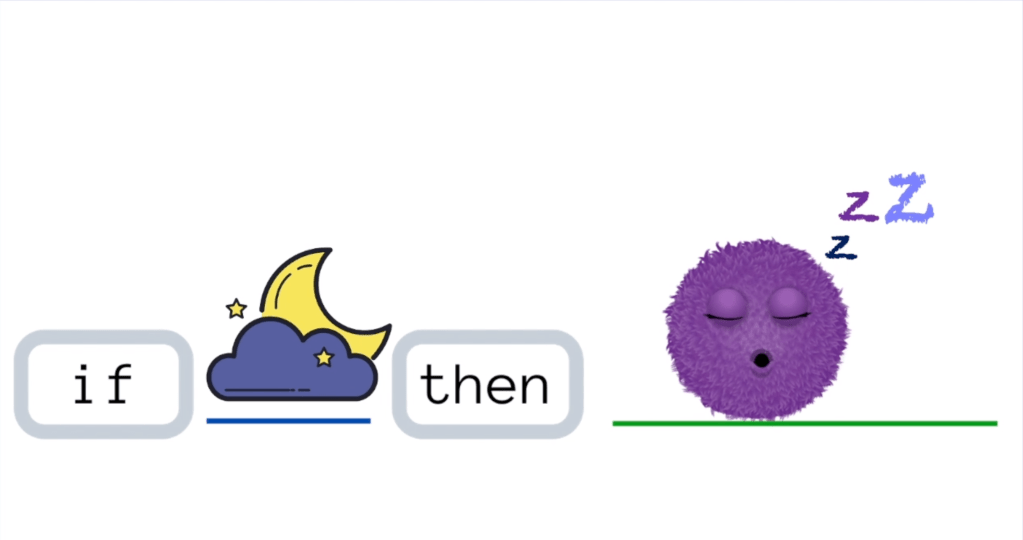
Imagine Python as a magical genie granting wishes! It uses "if" and "else" to make choices, just like picking between pizza or pancakes. Example: Let's decide which animal is louder!
lion_roar = 100  # Imagine a lion's roar at 100 decibels!
bird_tweet = 80  # Imagine a chirping bird at 80 decibels!

if lion_roar > bird_tweet:
    print("The lion roars louder! 🦁🔊")  # The king of the jungle is the loudest!
else:
    print("The bird's tweet is sweet! 🐦🎶")  # Birds sing, but lions roar louder!
While Loops: The Repeat Machine!
Python's "while" loop is like a magic trick that keeps going until it's time to stop! It repeats a fun action until a special condition is reached.
Example: Count the stars in the sky!
stars = 10  # Starting with 100 shiny stars!

while stars > 0:
    print("I see a star! Total:", stars, "⭐️" * stars)  # Printing star emojis based on the number
    stars -= 1  # Wishing upon each star!

print("All stars wished upon! Make way for new wishes!")  # Time for new wishes to come true! 🌟✨
For Loops: The Word Explorer!
"For" loops are like taking a magnifying glass and examining one thing at a time! They help Python explore groups of stuff, like the letters in a word or toys in a toy chest. Example: Spell out your favorite animal—G-I-R-A-F-F-E!
animal = "GIRAFFE"

for letter in animal:  # Let's explore each letter in "GIRAFFE"
    print(letter, "🦒")  # Display each letter, one at a time!