5- 🌟Let's Package Python!🌟
🐍📦 Hey there, future Python wizards! Ready to share your code with the world? Let's make it happen step by step! 🌟 Creating Your Project Structure: 📁 Create a folder named packaging. 📁 Inside pac
Jan 2, 20242 min read208

Search for a command to run...
Articles tagged with #coding
🐍📦 Hey there, future Python wizards! Ready to share your code with the world? Let's make it happen step by step! 🌟 Creating Your Project Structure: 📁 Create a folder named packaging. 📁 Inside pac
Hey there, coding explorers! Ready for an awesome Python adventure? Let's dive into a world of fun with code, where we can make computers do amazing things! ✨ First up, let's learn how to add numbers

Welcome message print("👋 Hello, Anas! Let's dive into Python together!") Excitement for Python print("🐍 I'm super excited to learn Python!") Variables with names author = "Anas" reader = "Aviar"

Load trees data from datasets library library(datasets) tr<-trees head(tr) Histogram hist(tr$Volume, col = 'darkred',main="Your title", xlab="Volume") Barplot barplot(tr$Height, names.arg=c(1:31), col='darkgreen') Boxplot boxplot(tr$Height, col...

Install and load packages (DataExplorer, datasets, ggplot2): #install.packages("DataExplorer") # Load library library(DataExplorer) # load DataExplorer library(datasets) library(ggplot2) Download the data files LAI_factors.csv and Countries_LAI_and_...
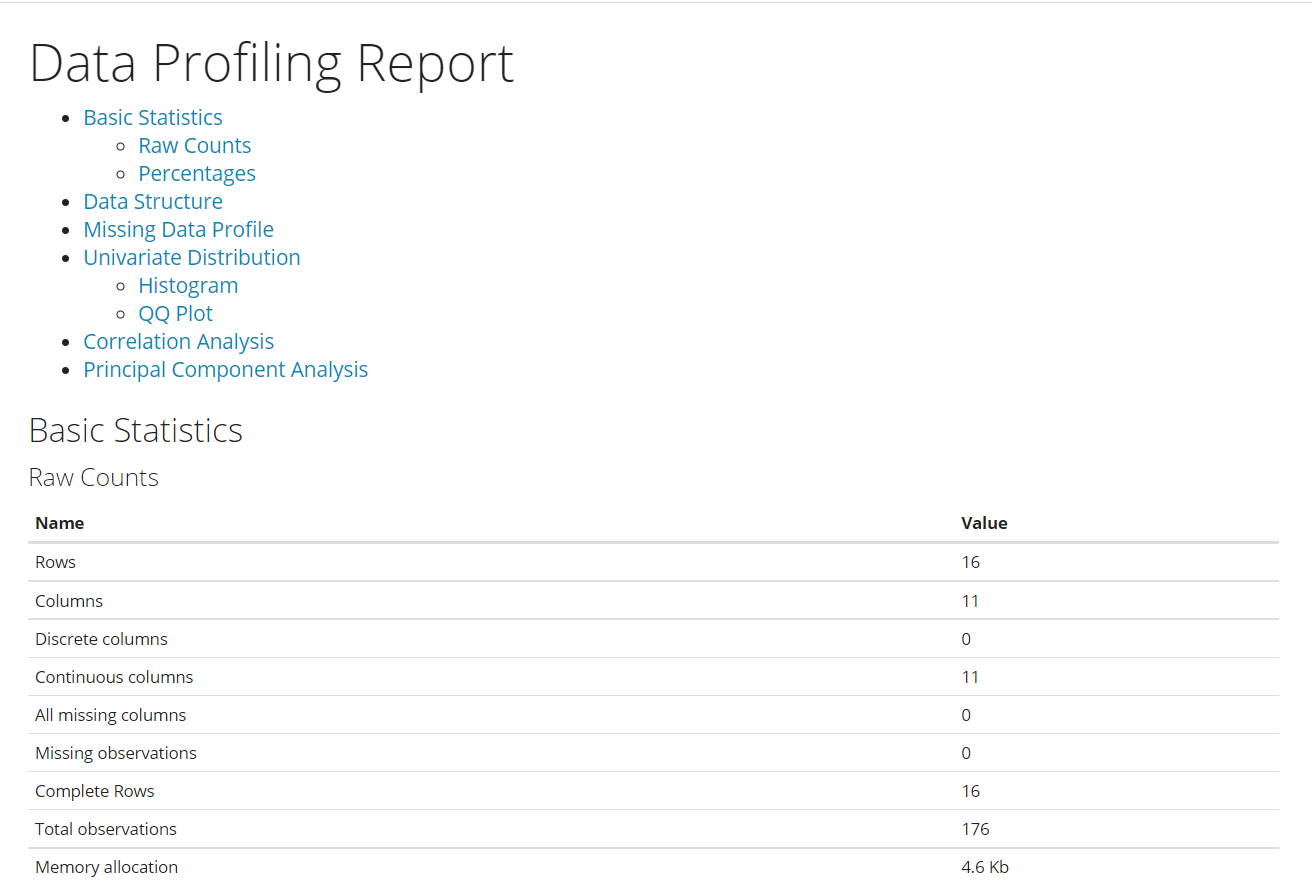
Multiple linear regression (MLR) example: fit <- lm(y ~ x1 + x2 + x3, data = mydata) Download the data used in this tutorial. Load data: df<- read.csv("D:\\R4Researchers\\LAI_factors.csv") View(df) head(df) Rename some long column names: library(ti...